The diamond painting app
Every painting has its place.
and a story
Paintings, diamonds, time and progress in one app. See your stats, show off your progress in the community and reach your goals.


On your phone? Scan the code.
Free. No ads.




- iOS and Android
- English, Polski, Español
- Sync across devices
- No ads
How it works
From adding a painting to the last diamond.
section by section
01Add a painting
Enter the title, add a photo and the size. Once the painting is saved in your library, you can start tracking your progress.
02Scan the legendShine
Want to add a colour list to a painting? Use the scanner. Point the camera at the DMC code sheet. The app reads the numbers and saves the painting colours.
03Check what you have
Keep track of the diamonds left after you finish a painting. The diamond library stores what you have and reminds you to sort them when a painting is done.
04Track the time
A session of 30 minutes, an hour, or with no limit. The time stays on the lock screen. Timed sessions feed your stats.
05Mark your progress
After a session, you mark the squares you filled. The app works out the progress percentage.
06Celebrate the finish
Did you finish the painting on your last session? Time to celebrate. Rate it, add a photo of the finished piece and see how it looks in your stats.
Aurora over the Fjord
Square · 40 × 50
Community
See what others are painting.
and leave reactions
Updates are progress on paintings, and inspirations are finished pieces by other people. Follow someone whose style you like. Like a piece that wowed you and save it for later.
Galaxy Owl
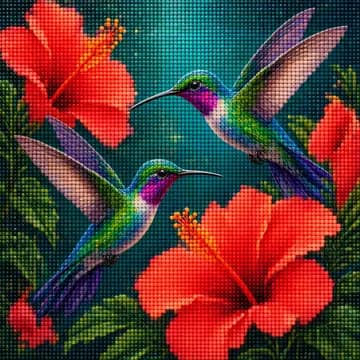
Hummingbirds and Hibiscus
Whale Among the Stars
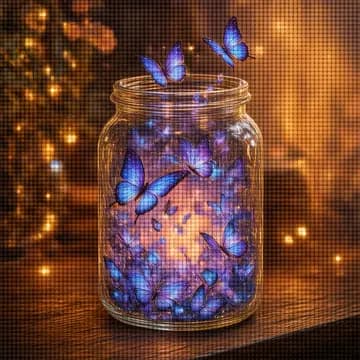
Butterflies in a Jar
Lavender Field
Koi Pond
Mandala
Snowy Cabin
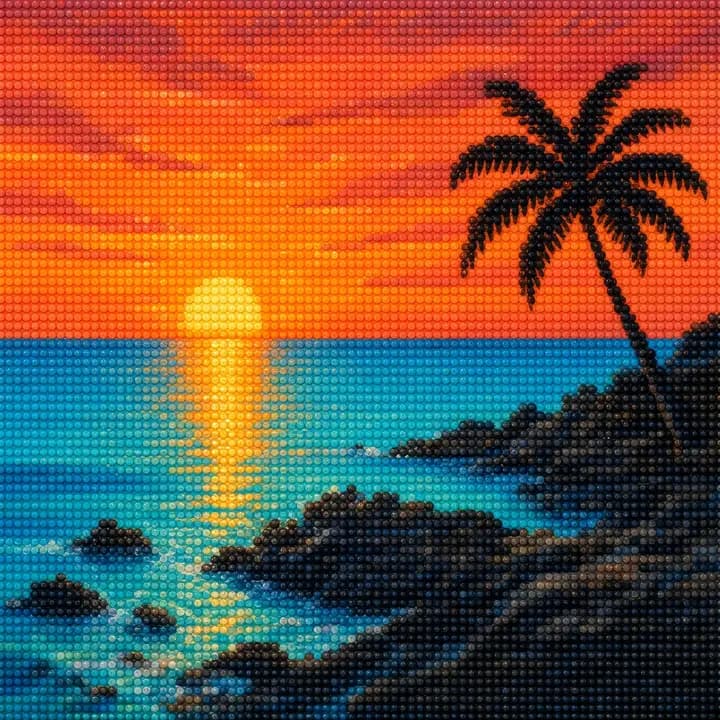
Tropical Sunset
Sample works. The real ones are in the app.

Stats
Time spent on a painting, counted.
every moment counts
Hours on a painting, days and sessions, with no guessing.
38 h
this month
21
day streak
12
paintings completed
2.4 m²
covered
Last 12 weeks
Set your weekly goal for sessions and time. Every active day builds a streak.
Your painting styleShine
When do you paint most?
Pick a time and see your card.
Pick a time and see your card.
ShineHistory, your painting style and all the stats are in Shine.
iPhone and Android
Same app. On every phone.
one account, two systems
Diamonds Everywhere is built for iOS and Android side by side. Same features, same colours, same library once you sign in.
- Timer in the Dynamic Island and on the lock screen
- Pause or end a session right from the lock screen
- Sign in with Apple
Sync
Library, session history and stats. Everything stays on your account, whichever system you use.
Languages
English, Polish and Spanish.
No ads
No banners between paintings or during a session.
Everything that sparkles.
bring your spark
The app is free. Shine features are the painting and legend scanners, full stats and your profile look.
- Painting and legend scannerAn easier way to add paintings and colours from DMC codes.
- Painting statsProgress history and the best moments of every painting.
- Full statsWeekly, monthly and yearly stats. Your whole history in one place.
- Your profile lookBackground, colours, buttons. Stand out and show your style.
- Stats on your profileShow others your favourite stats. Hours, finished paintings, or maybe the area you have covered?
- Shine badgeA gem with the Shine name next to yours. The longer you stay Shine, the bigger the gem you can earn.
- You support Diamonds EverywhereThanks to you, the app stays free of ads.
You turn Shine on in the app.

Questions
Before you ask.
Is the app free?
Yes. The library, timer and session stats are free, with no ads. Shine is an extra for people who want more.
When can I download it?
The app is in testing right now. Sign up and we will email you on launch day in the App Store and Google Play.
Which phones does it run on?
On phones with iOS and Android. In English, Polish and Spanish. Minimum system versions will be listed in the stores at launch.
Do I need an account?
Yes. You sign in with Apple or Google, with no new password.
Are my paintings public?
Only if you want. For each painting you choose whether it shows on your profile. The date, time, note and length of a session stay visible only to you by default.
Does it work with any brand of kit?
Yes. You add a painting yourself. A title is enough to start. Colours use DMC codes, because most kits do.
How does the legend scanner work?
Photograph the legend sheet or scan it with the camera. The app reads the DMC numbers and builds the colour list. You can fix any code before saving. The scanner is a Shine feature.
What about my data?
You can delete your account in the app at any time.
How much is Shine?
Choose a monthly subscription, a yearly one, or a one-time payment. Prices are on the Shine page.
What if I cancel Shine?
Your painting library, diamond library, every session and all progress stay available. You give up the standout profile, the stats and the scanners. Paintings and colours have to be added by hand.
Your next painting is waiting.
see you
Sign up and we will write when Diamonds Everywhere arrives in the App Store and Google Play.
On your phone? Scan the code.